Viewing the Lite Console
To set the Lite Console to your default view, select your user email address from the top dashboard.

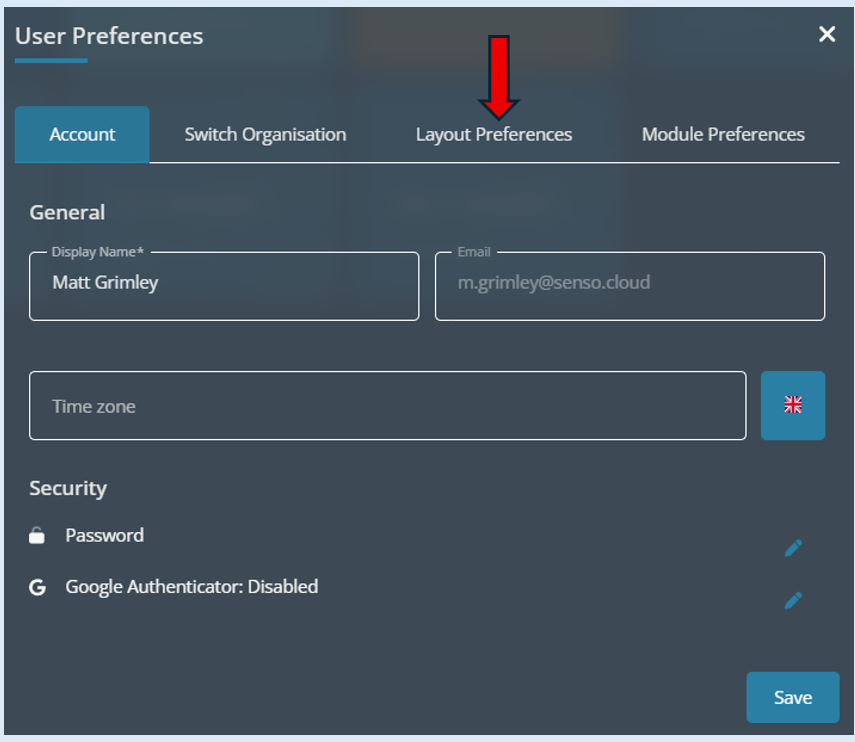
This will now open the ‘User Preferences’ options. Select ‘Layout Preferences’.
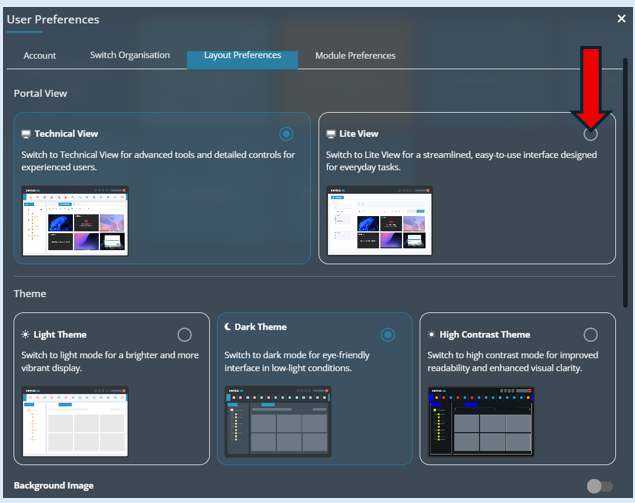
This will open up the ‘Layout Preferences’ options. Select the ‘Lite View’ option.
The ‘Lite View’ option will be highlighted in blue to show your selection.
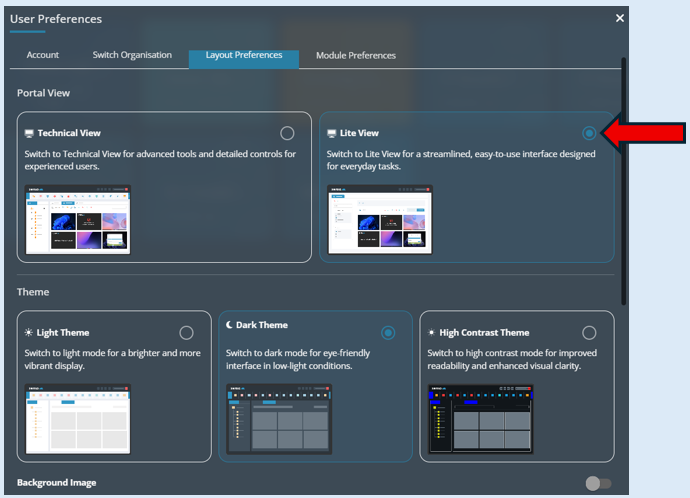
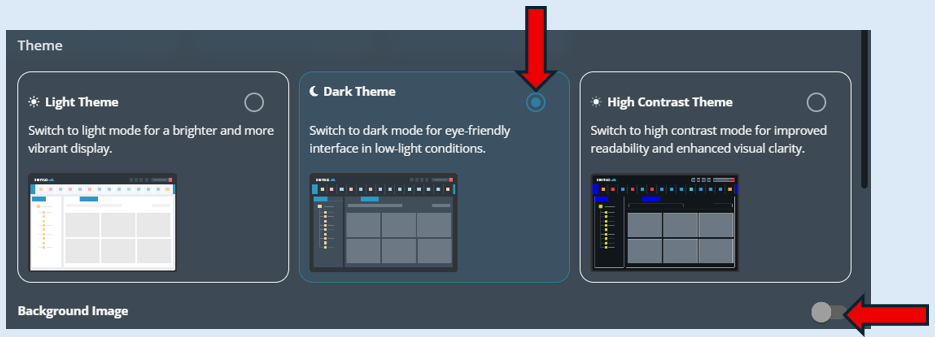
Next you have the options to select how you view your console, this is just a personal preference. You also have the ability to switch the background image on or off, again this is a personal preference.
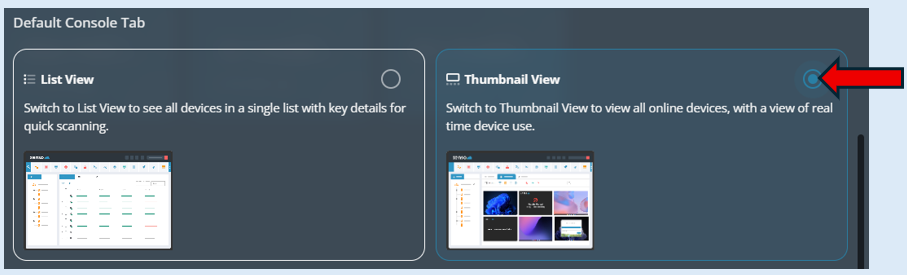
This option needs to be set to ‘Thumbnail view’.
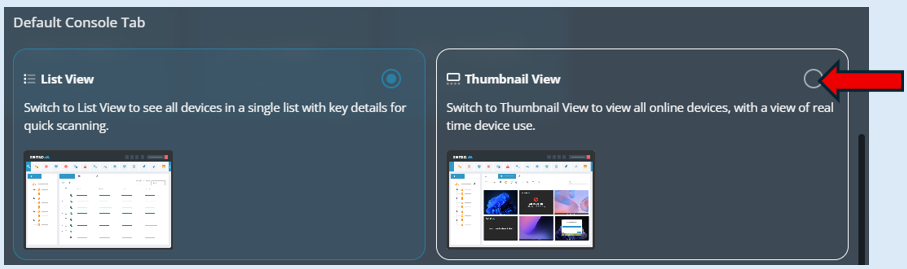
Once selected the ‘Thumbnail View’ will be highlighted blue.
YOU MUST select the ‘Save’ button' for all the changes you have made.