To log out of the console, click on the ‘log out’ icon which is next to your email address on the top dashboard.

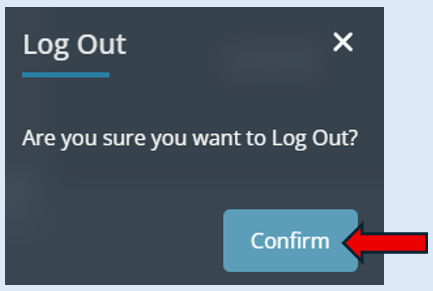
A new window will open, asking you to confirm your log out. Select ‘Confirm’.
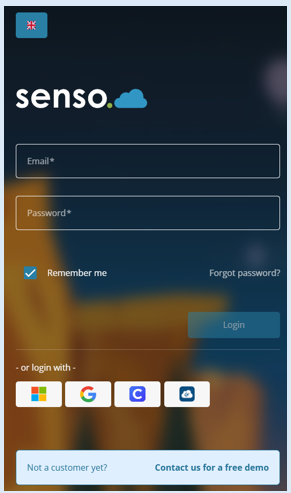
This will take you back to the log in screen.

Modified on: Fri, 12 Jun, 2026 at 3:19 PM
To log out of the console, click on the ‘log out’ icon which is next to your email address on the top dashboard.
A new window will open, asking you to confirm your log out. Select ‘Confirm’.
This will take you back to the log in screen.
Did you find it helpful? Yes No
Send feedback