As well as having access to the main modules there is additional functionality that you can use within the console. At the top of the console there is a dashboard that provides key functionality for you to access.
The focus of this guide will be on the icons that are relevant to a console user who is teaching a group.
Logging

This icon will take you to the Safeguarding module. You will only be able to access this if you have been given the required access.
Service Desk

This is where you can create a support ticket for the technical support team to investigate. This is where you can also track the progress of the ticket.
Teacher Tools

This icon will take you to the ‘Scenes’ module. This is where you can create a scene that has pre-determined website/applications that can either be blocked or allowed. For more information around this module see ‘Scenes’ training guides.
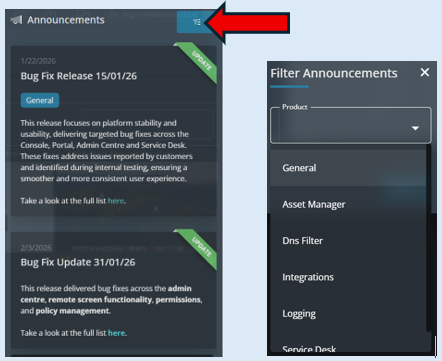
Announcements

This is where you can locate all new messages that have been sent from Senso.cloud to its customers. This may include information about new features, bug fixes etc. There is a filter that you can use to select different categories if you are looking for any specific message/announcement.
Help and Support

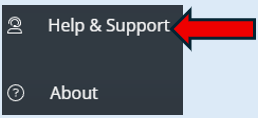
Clicking this icon will give you direct access to the knowledge base which contains both technical and user/training guides.
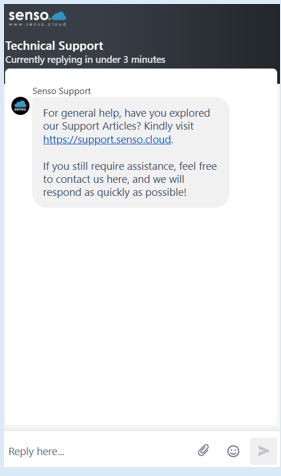
Senso Support

This icon will take you to our Live Chat functionality.