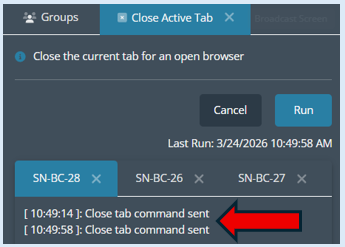
This module will allow you to quickly close down the active tab on all devices that have been selected within the group.
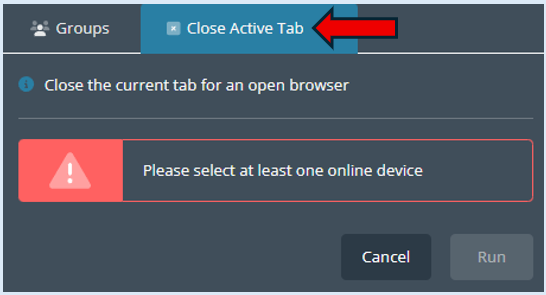
Select ‘Close Active Tab’ from the task bar.

This will open the options box.
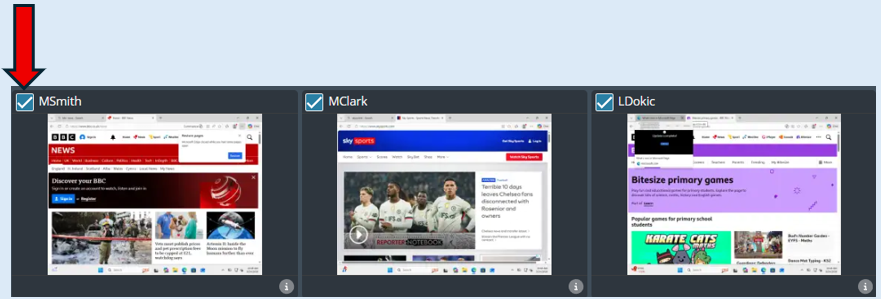
Top Tip – Select the devices you would like the action to be applied to before opening the module.
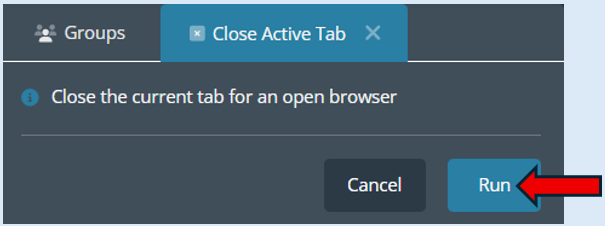
Click ‘Run’ and the active tab on all selected devices will close down.
The previous active tab has closed, the devices will now show the tab that was last active.
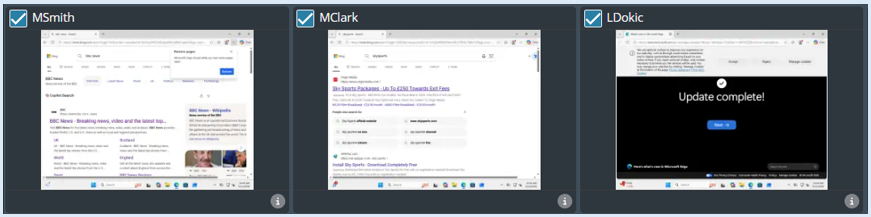
All the selected devices will appear and will each have a log against them. You can click on any of the device headings to see the log.
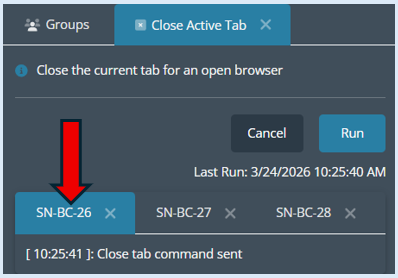
You can repeat this process on the same devices by simply selecting ‘Run’ again.
You can see that the next active tab has closed down and the devices currently have no tabs open.

This action will be logged. You can now see there is two logs against each of the devices.