
This module will allow to mute/unmute any device within your group. This could be individual devices, several devices or the entire group. You can also control the volume level for any selected device as well as the ability to mute microphones. You will also be able to create and manage shortcuts for any or combinations of the above functionality.
Top Tip – To perform an action within this module you will first have to select the devices you wish to action against.
Select the ’Mute Sound’ icon.

This will open the options box for you to select your action from.
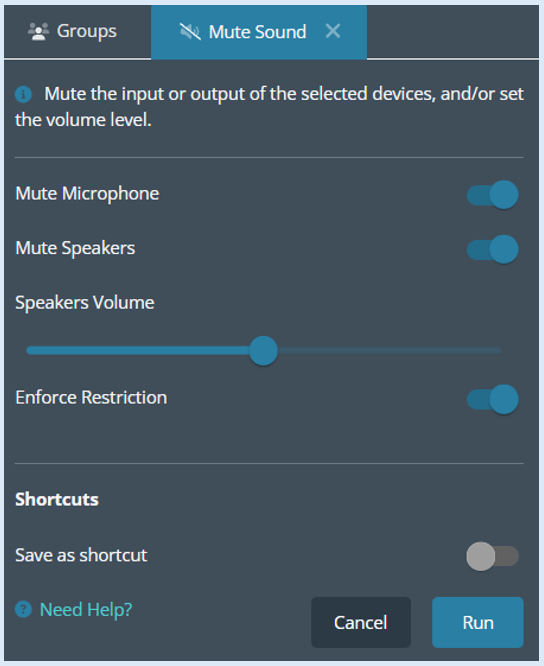
To mute the microphone on the selected devices, toggle the button to the ‘On’ position.

For the action to be enforced, select the ‘Run’ button.
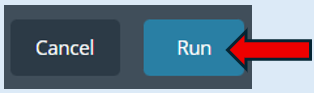
The selected devices show with a tick.
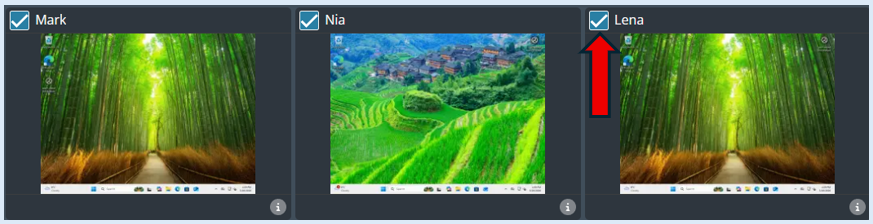
Once the action has been run an icon will appear indicating that the Mic has been muted.
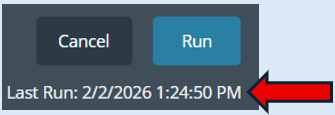
Once you have completed the action a log will appear under the ‘Run’ button.
You will also be able to mute the speakers on any selected device. Select the devices, toggle the ‘Mute Speakers’ button into the ‘On’ position.
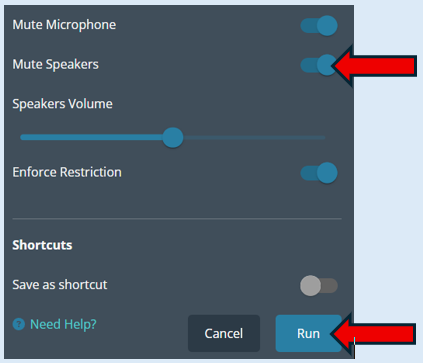
Select ‘Run’.
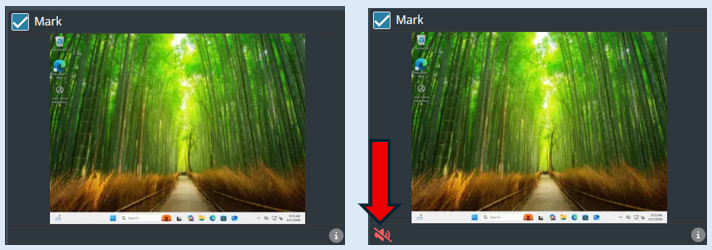
An icon will appear on each thumbnail indicating that the speakers have been muted.
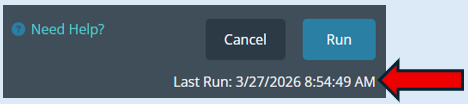
A log will be created, indicating your action has been completed.
You have the ability to set the volume level of speakers by sliding the bar left or right. It will indicate the percentage being allowed.
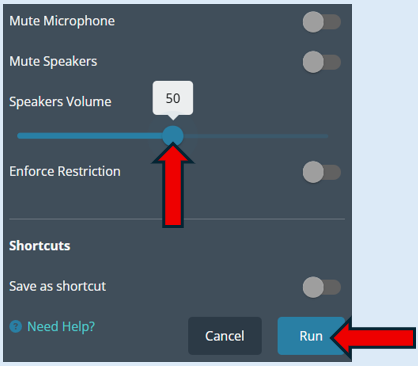
Select ‘Run’
A log will be created, indicating your action has been completed.
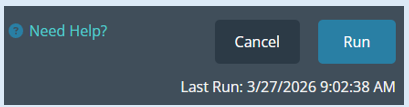
Top Tip - You can enforce multiple actions at the same time by toggling the options on and selecting ‘Run’.
Another option available is ‘Enforce Restriction’.
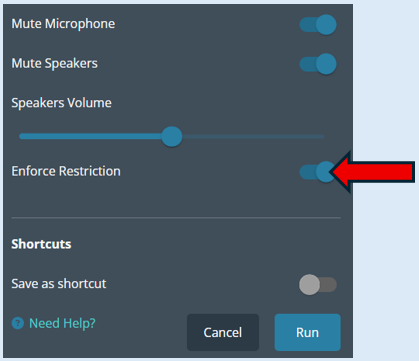
This option links directly to any actions that you would like to enforce. If this option is switched ‘On’, once you have selected ‘Run’, the actions will be applied to all the selected devices. The end user will not be able to override the actions you have set.
If the toggle is set to the ‘Off’ position, a user can override the actions that you have set on their device.
Top Tip – If you find that you are running the same actions in this module each time you have a different group, you can save time and save your selections as a Short Cut. Please see the guide titled ‘Creating Shortcuts’.