
This module allows you to send out a multiple-choice question to all of the selected devices/users. The answers will come directly back to the console user. This is a great way to get instant feedback or gauge the understanding of what has been taught.
Select ‘Quick Question’ from the taskbar.
This will open the options box.
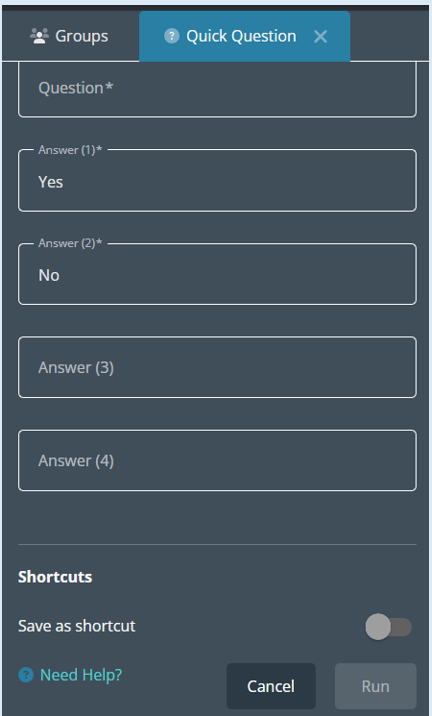
Top Tip – Remember to select the devices/users that you would like to send the question to.
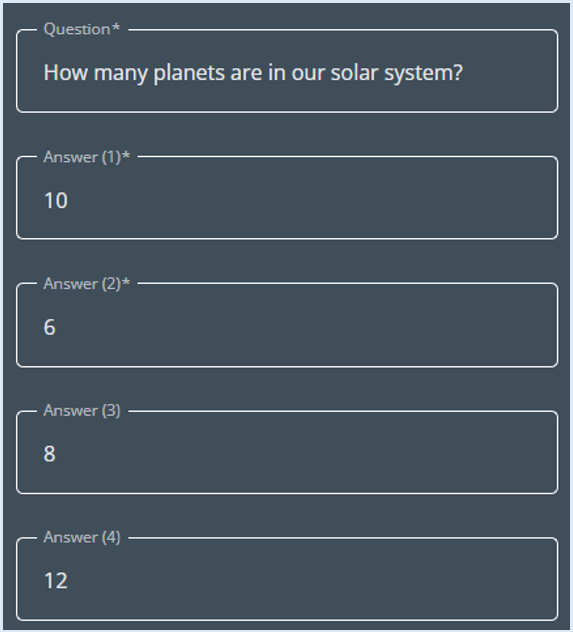
Type your question and then then the answers that you wish to provide, this can be up to four.
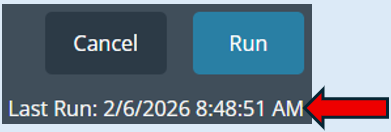
Select ‘Run’.
A log will appear indicating the question has been sent.
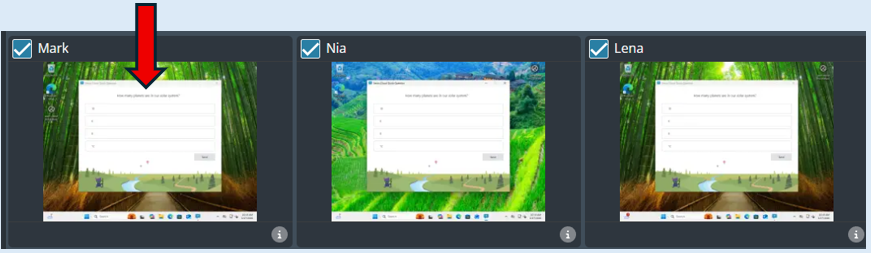
A new window will open on the selected devices.
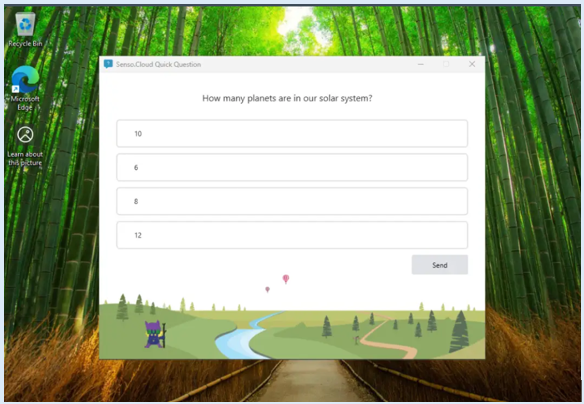
The user can then decide on their answer (It will turn blue) and select ‘Send’.
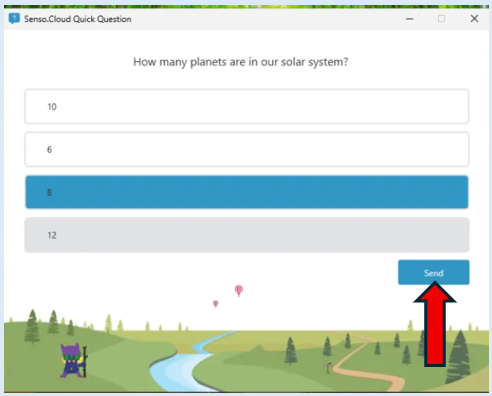
Once ‘Send’ has been selected, the ‘Quick Question’ window will automatically close.
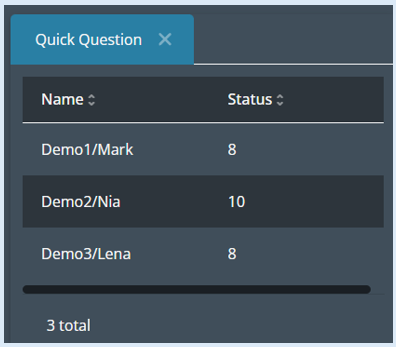
The response provided by the user will show at the bottom of the module’s option box.
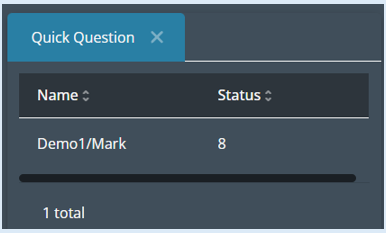
As each user answers the question the responses will show, you will also be able to see the total amount of responses that have been provided.
There is also an option to create shortcuts. This is where you can create questions that can be saved and then used when required.
If you would like to do this, please see the guide titled ‘Creating Shortcuts’.