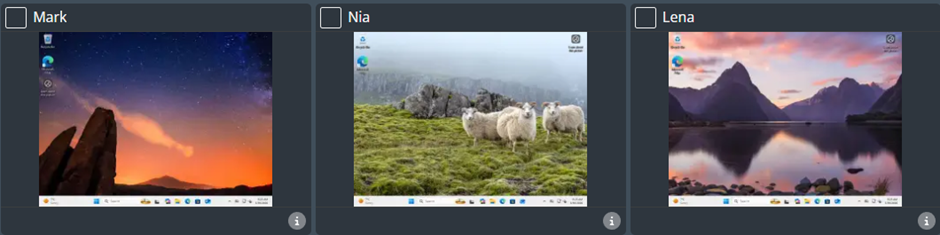
This module will allow you to quickly and easily view the screen of any user within your group and take control of the device (keyboard and mouse). This guide will show you how to take Full Control, Shared Control and relinquish control of a device.
Once you are logged in to the console, select the group you wish to work with.
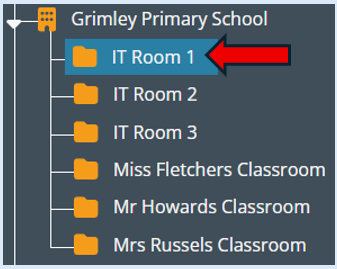
This will now show you all the users/devices that you have access to within this group. There are two views available: ‘List View’ and ‘Thumbnail view’. We recommend for this functionality you are in the Thumbnail view as this will allow you to clearly see what each user has on their screen in real time.
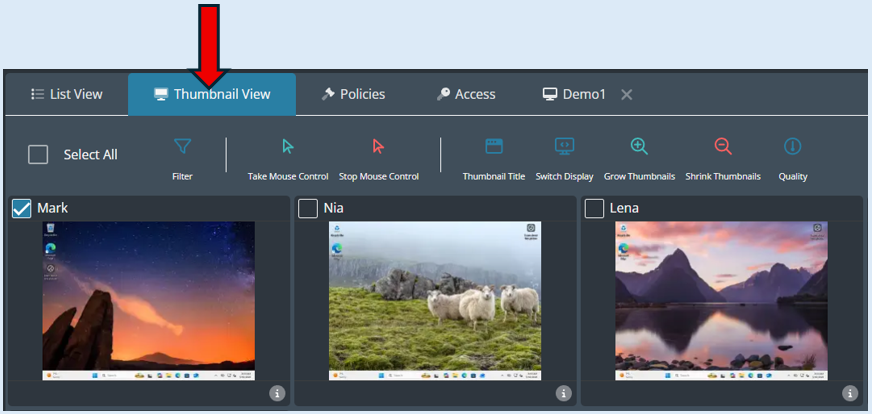
Select the user/device that you would like to take control off by clicking on the thumbnail.
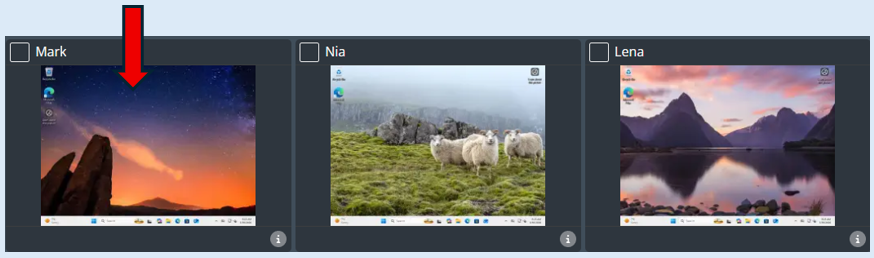
This will enlarge the selected thumbnail.
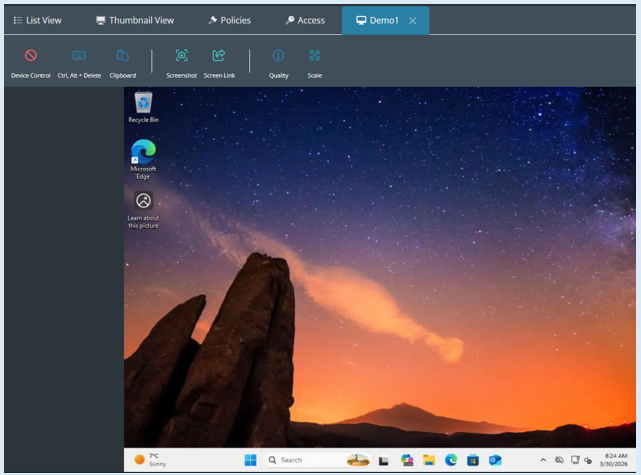
To take control of the device, select the ‘Control’ icon.
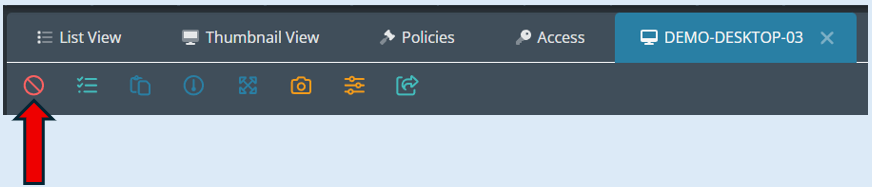
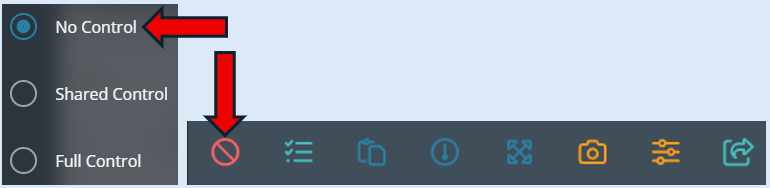
This will provide you with three options. The default setting will be ‘No Control’ as currently you do not have any remote control of the device.
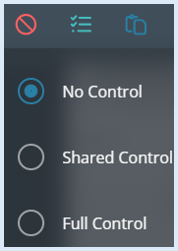
No Control - The console user has no control over the device, they will only be able to view the screen.
Shared Control - This allows the console user to have access to the mouse and keyboard and still allows the end user on the device to use the physical mouse and keyboard to control the device.
Full Control - This stops the end user from being able to use a physical mouse and keyboard at the device restricting the device to only be controlled through the senso portal.
To take sole control of the device, select ‘Full Control’. The control Icon will change to a green arrow indicating that you have control of the device.
No control
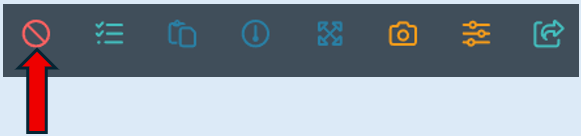
Full control
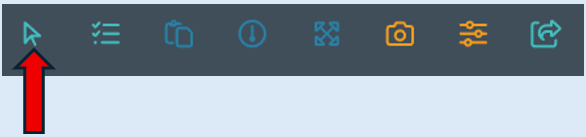
Shared control
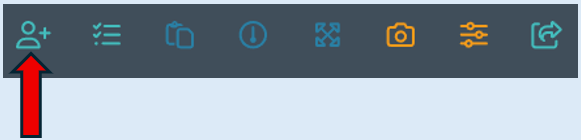
Once you have completed your action/task on the selected device, you can relinquish control of the device in two ways.
You can click on the ‘Control’ Icon and select ‘No Control’ The icon will change back to the No Control icon.
Alternatively, close the thumbnail that you currently have access to by clicking the ‘X’ icon next to the device name.

This will take you back to the initial thumbnail view. You now no longer have remote control of the device.