Before performing an action, you must select the relevant devices. This can be done in either of the two available views.
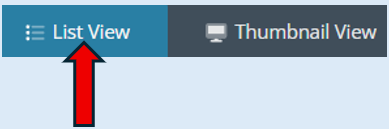
List View
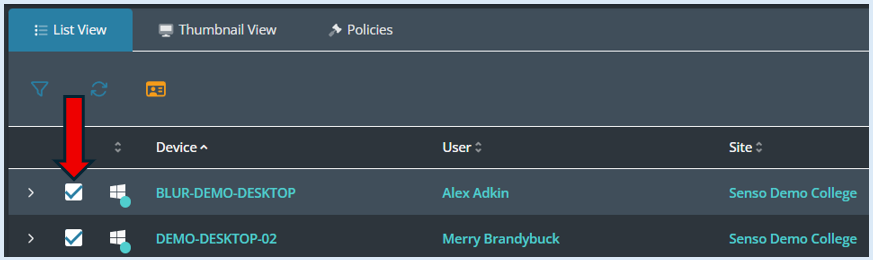
To select a device just click on the box that appears on the left-hand side of the device information. You can see which devices that you have selected as it will show a blue tick.
If you would like to select all the devices in the group, select the ‘Select All’ button.
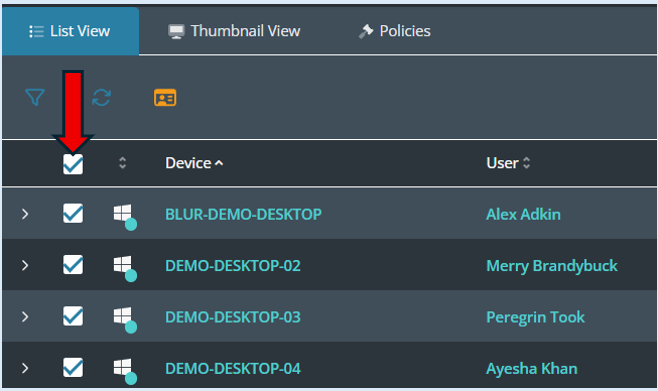
All of the devices will now show a blue tick.
Thumbnail View
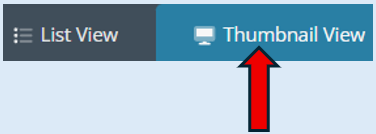
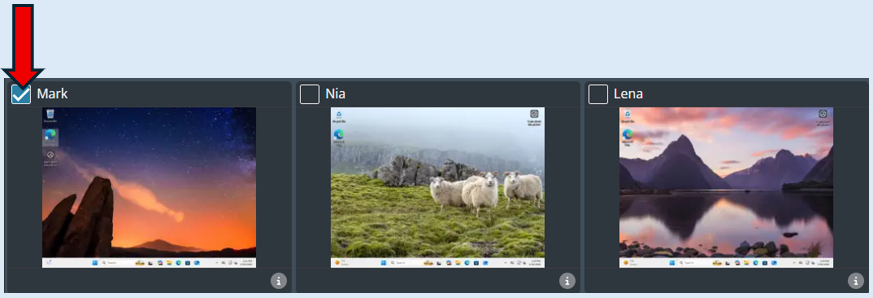
To select a device in ‘Thumbnail view’, first select the device by ticking the little box on the top lefthand side of the thumbnail. A tick will then appear showing the selection.
If you would like to select the entire group with one click, select the ‘Select All’ button.
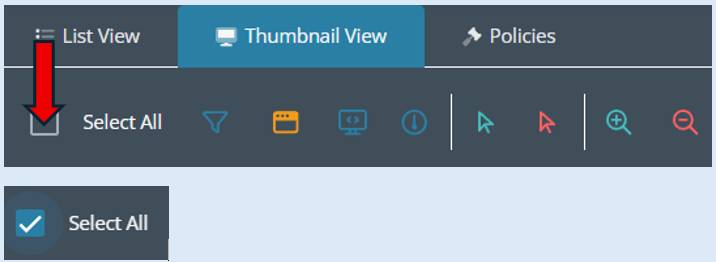
All of the thumbnail boxes will now have a blue tick showing against them.