
This guide will show you how to mute speakers, mute the microphone and set the volume speaker on the devices within a group whether that is the entire group or specific devices.
Once you have logged in to your console and accessed the group, the Lite console view will be ready to use.
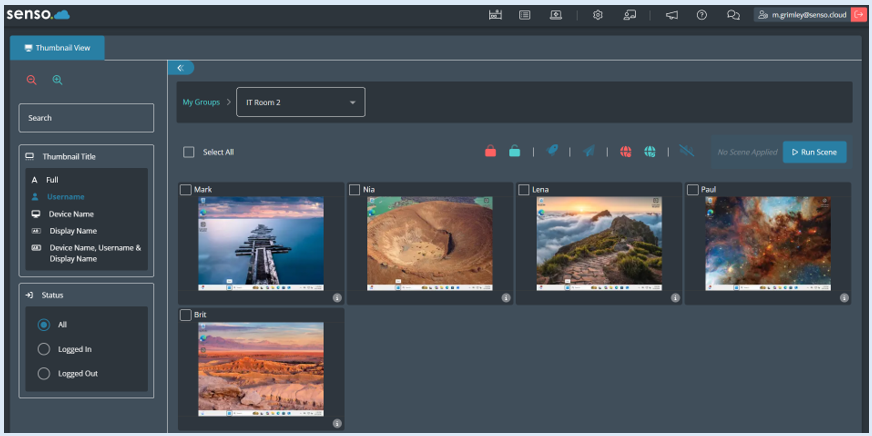
To mute the speakers and/or the microphone for every device in the group, first you will need to click on the ‘Select All’ icon.
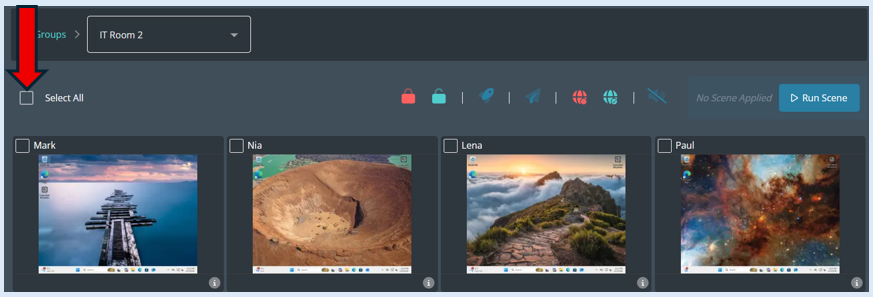
All of the thumbnails will have a tick on them indicating that they have been selected.
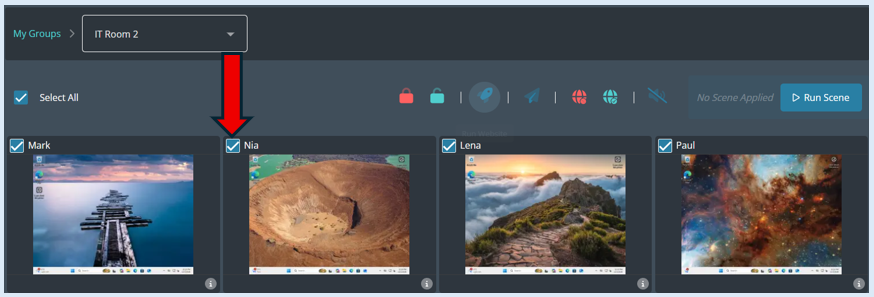
Next you will need to select the ‘Mute Sound’ icon which is located on the dashboard.
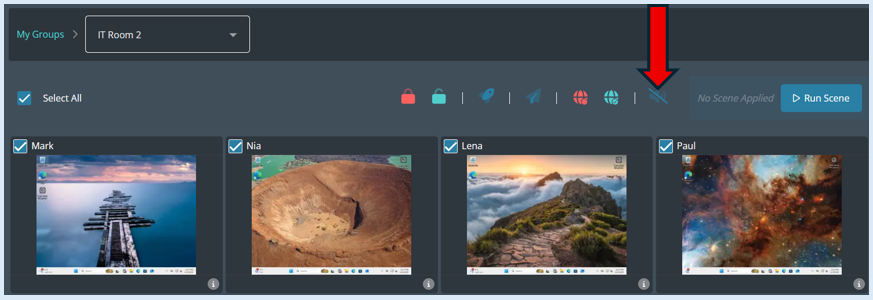
Once you have clicked the ‘Mute Sound’ icon an additional options box will open.
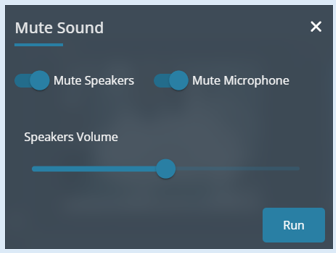
The default settings are that both the speakers and microphone will be muted once you select the ‘Run’ button.
Once you have selected ’Run’ you will receive a pop-up notification confirming your action.

All of the devices will show two icons on their thumbnail indicating that both the speakers and microphone have been muted.
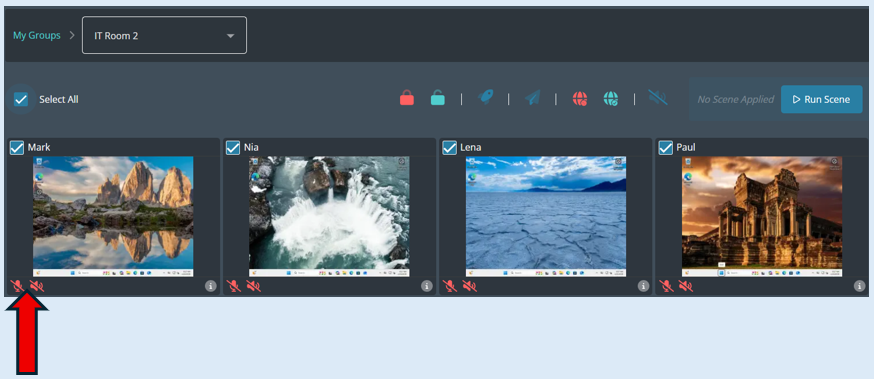
To unmute the speakers and microphone on the devices, make sure all devices are selected. You can use the ‘Select all’ icon if needed. Select the ‘Mute Sound’ icon.
When the options box opens you need to toggle both the ‘Mute Speakers’ and ‘Mute Microphone’ buttons to the ‘Off’ position.
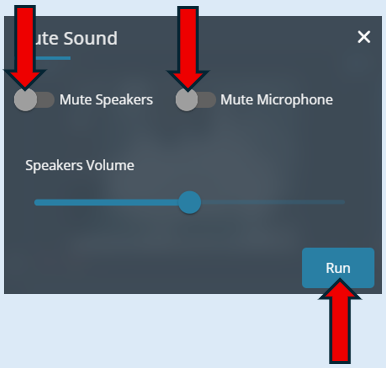
Select ‘Run’.
The mute icons will now disappear, indicating that the devices are not being muted.
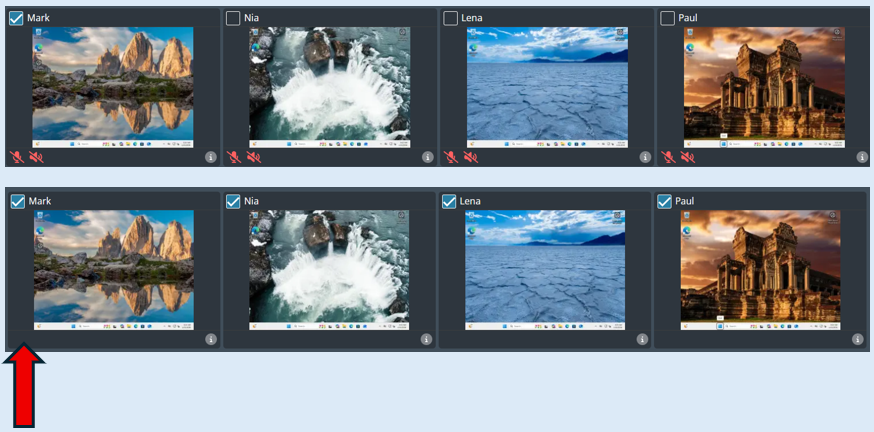
Rather than muting the speakers on a device you have the ability to set the speaker volume. To do this, select the devices that you want to action against by ticking the relevant thumbnails or if it is for the whole group click the ‘Select All’ icon.
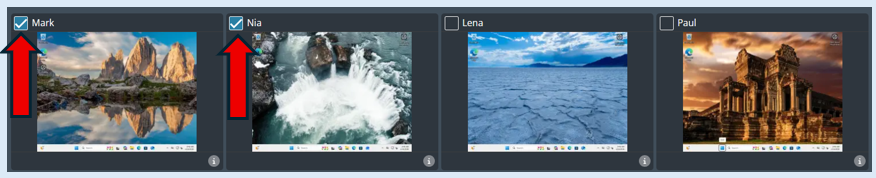
Select the ‘Mute Sound’ icon. Switch both mute buttons to the ‘Off’ position then set the ‘Speakers Volume’ level by sliding the button to the desired volume. Select ‘Run’.
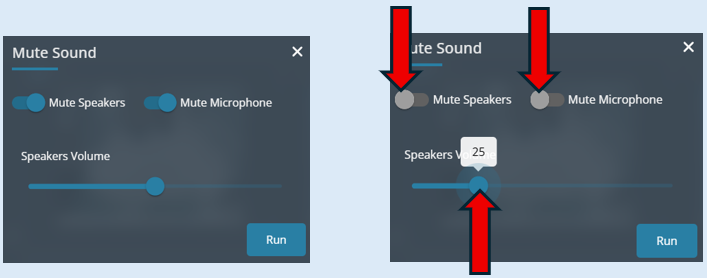
A pop-up notification will show confirming your action.

You can just mute the speakers or just mute the sound, to do this select the devices, toggle the options to either the ‘On’ or ‘Off’ position and select ‘Run’.
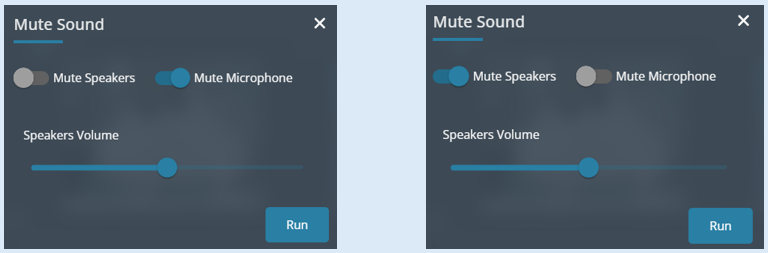
This set up will mute the microphone. This set up will mute the speakers.
All of these options can be actioned against the whole group or selected devices.