
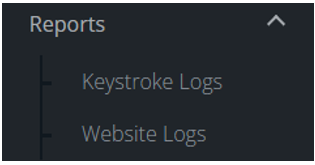
Navigate to the menu on the left-hand side of the console, select the ’Reports’ option and further options will open.
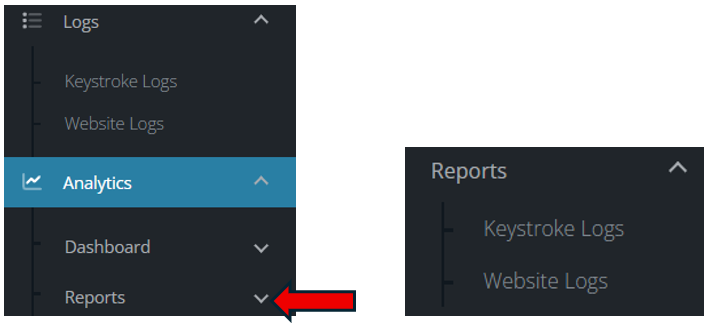
Reports - Keystroke Logs
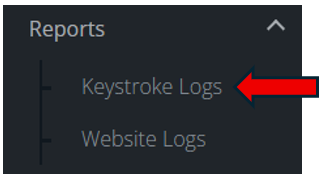
This will open up the reports that are available. The reports are split into sections for ease of use.
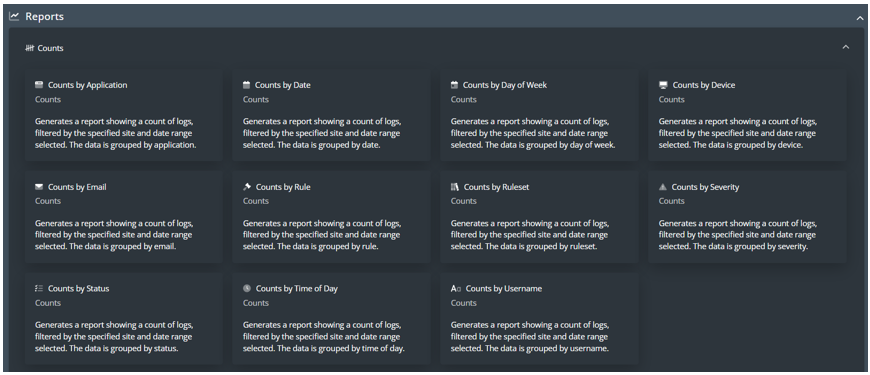

To generate a report, select the report needed. This will open up an additional box where you can select which site you wish to report on and the date range.
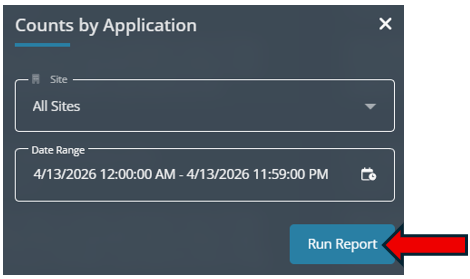
The report will generate and appear on your screen. This can be exported as a CSV file.
Reports - Website Logs
This will open up the reports that are available. The reports are split into sections for ease of use.
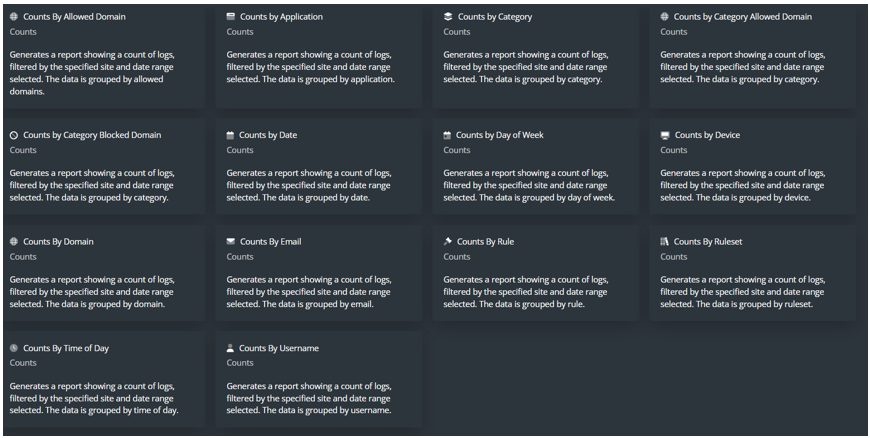

To generate a report is exactly the same process as reports for Keystroke Logs.