
How to access Safeguarding
Once you have access senso.cloud and are logged in to your console, to access the Safeguarding module you will need to click on the ‘Logging’ icon on the top dashboard.
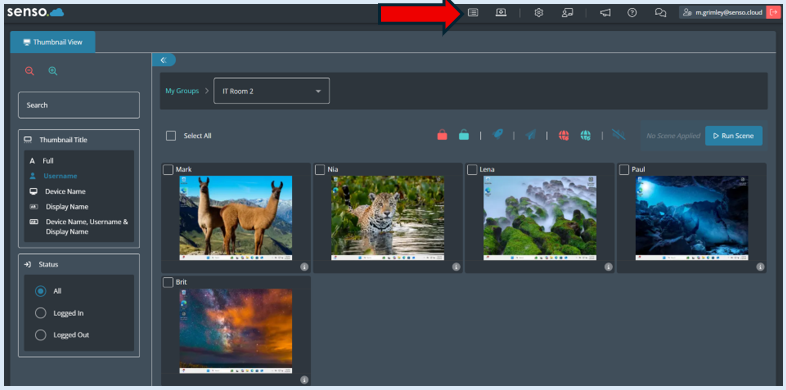

This will open up a new tab.
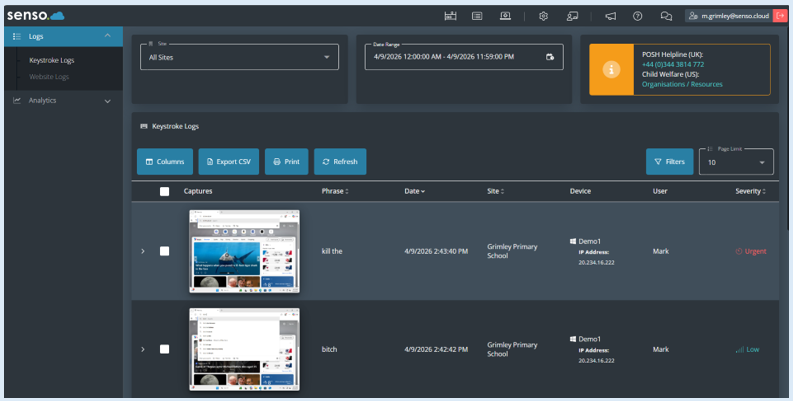
You now have access to the Safeguarding module.