Be sure to read Asset Management - Setting Up so that your Asset Manager module is populated with information.
A Full view of how your hardware and software is being used across your organisation, site or group.
- Open the Admin Center by clicking on the cog wheel icon in the top right of your portal

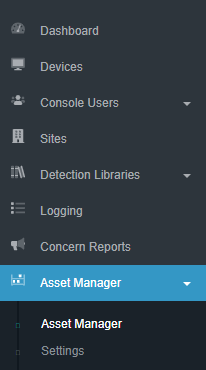
- Open the Asset Manager drop down and select Asset Manager.
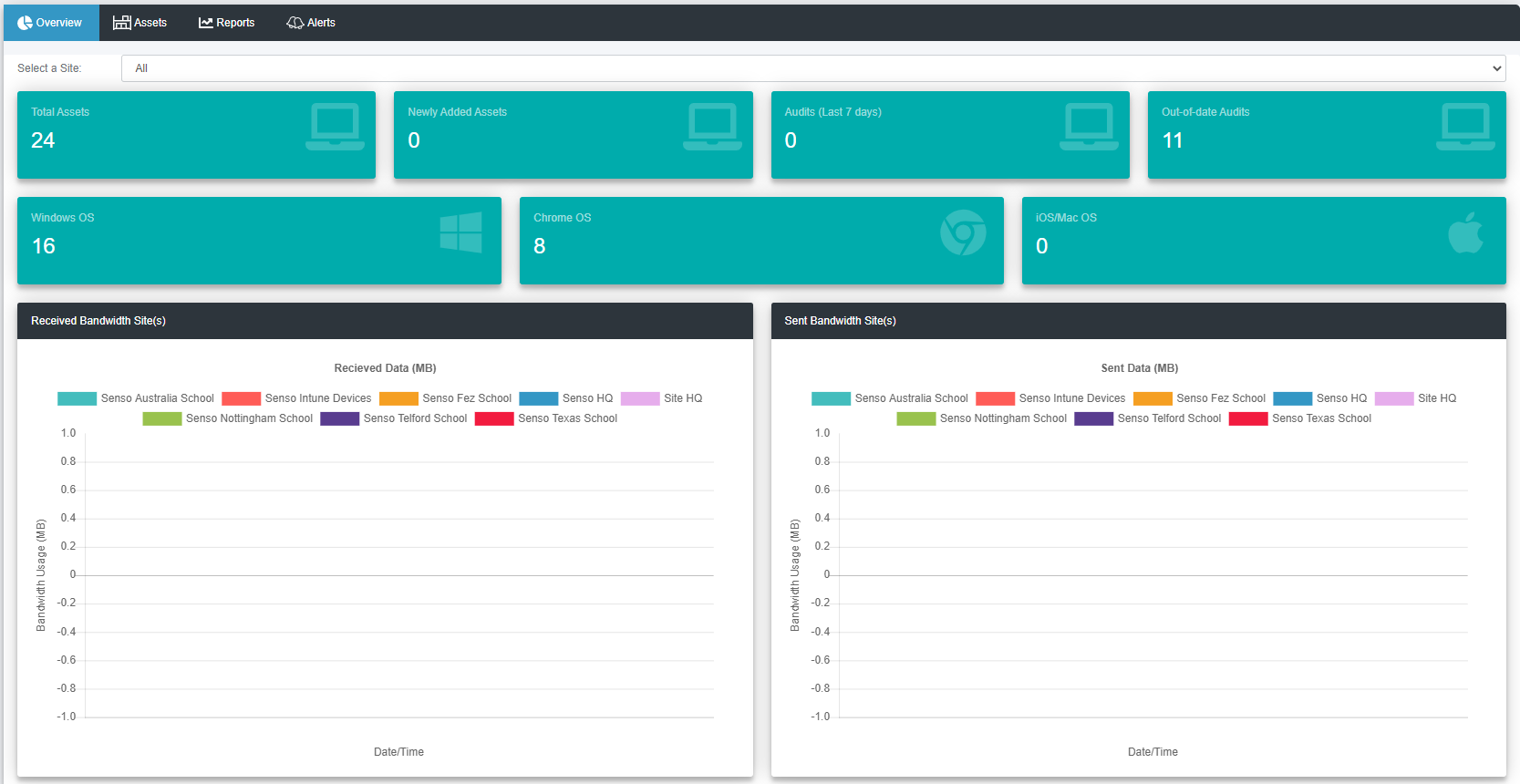
- This will open the Asset Manager overview.
- Click on the Assets tab to open a table that shows all of the devices that you ran Asset Manager on.
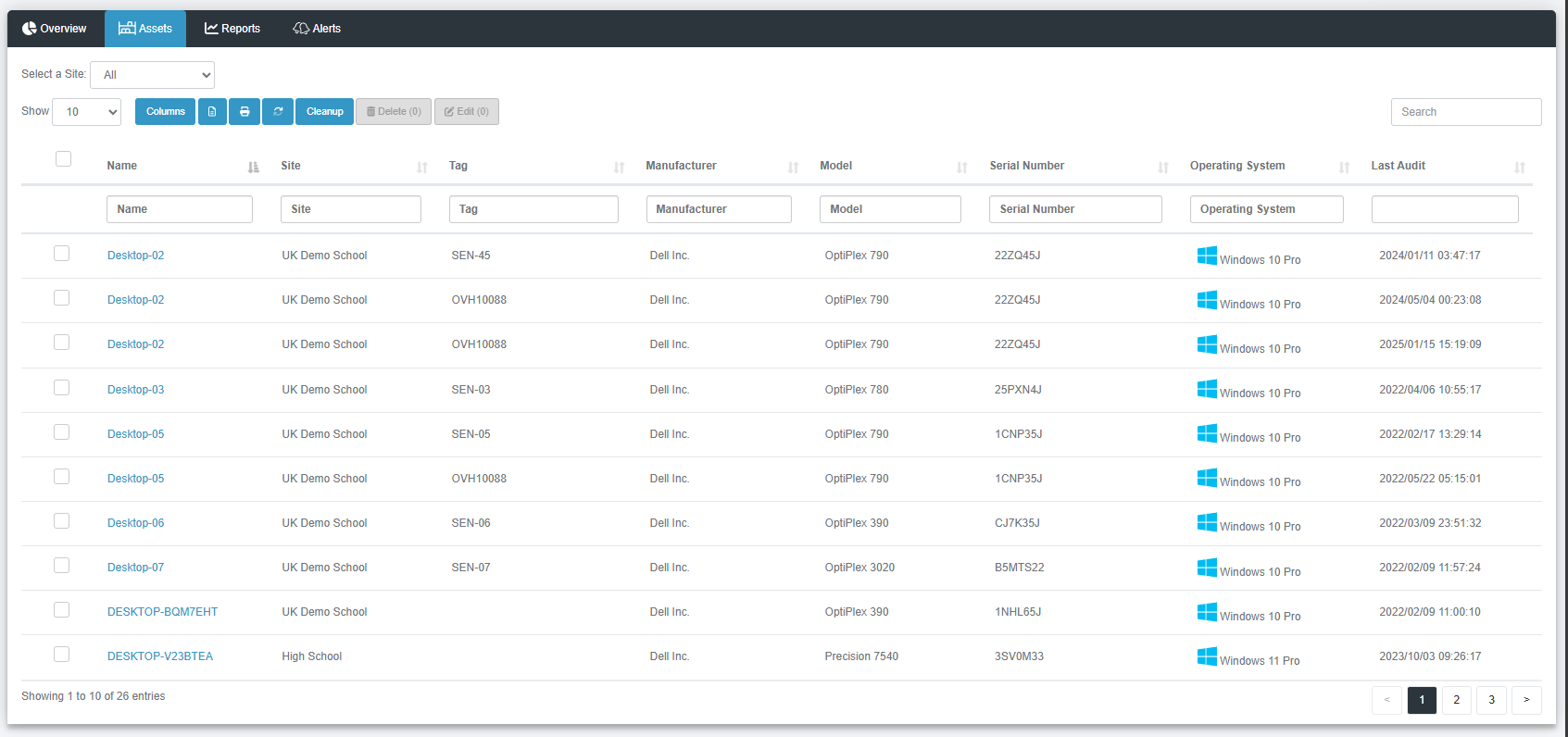
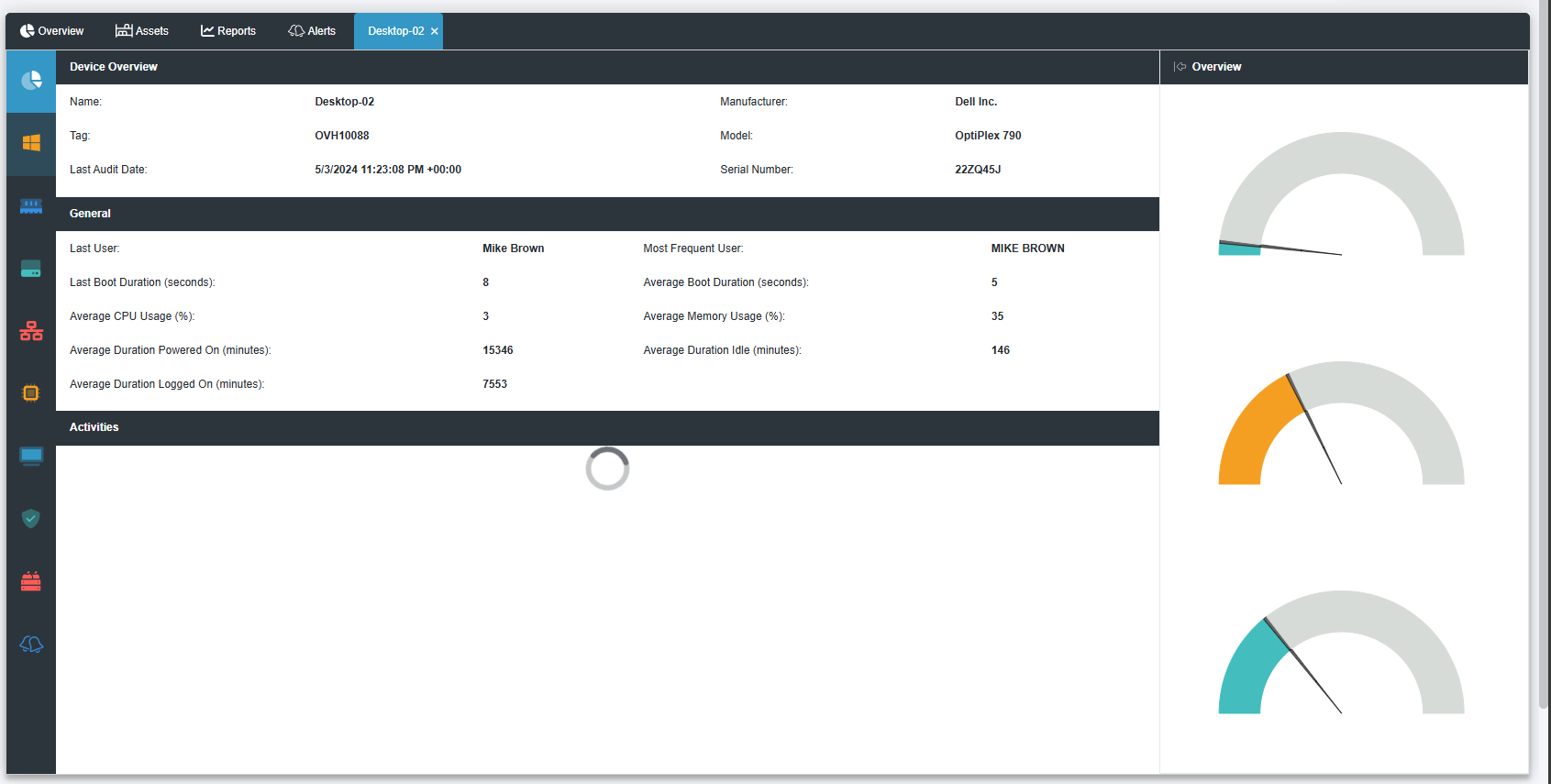
- When you click on a device name it will take you through to an in depth view of the of the device overview.
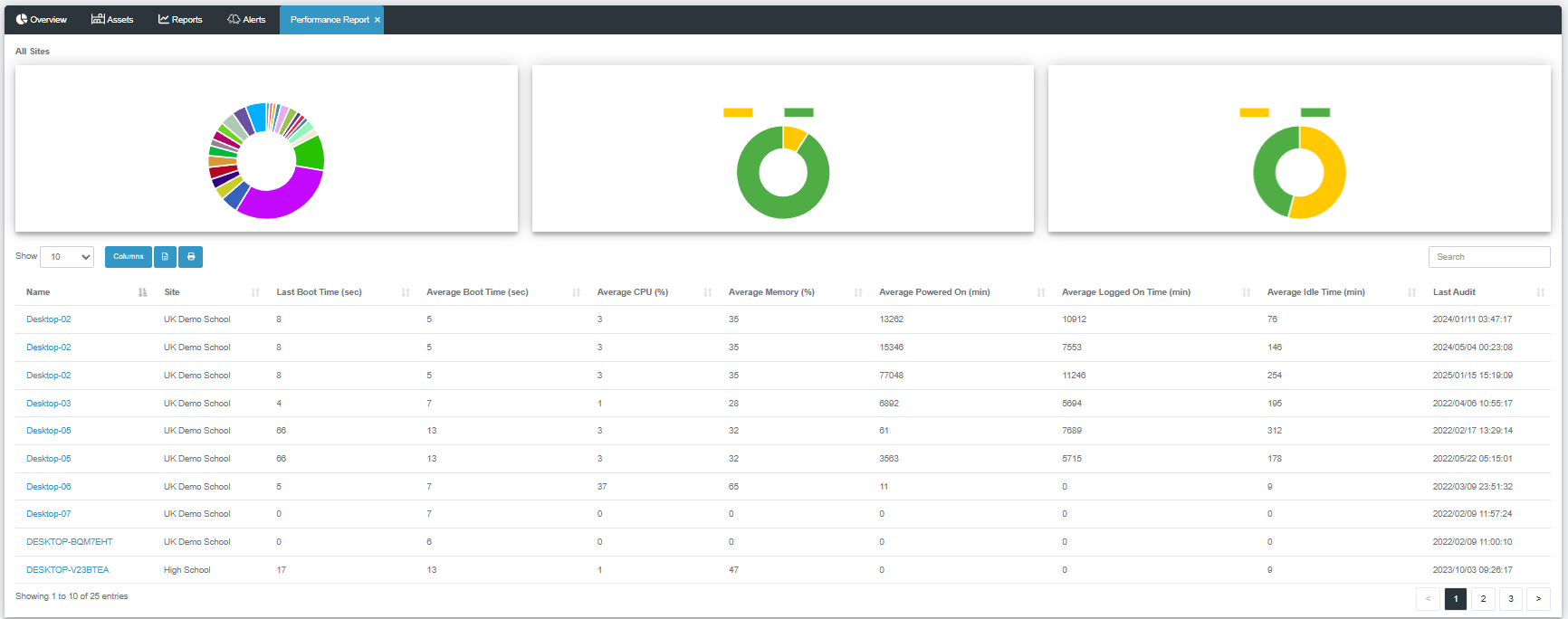
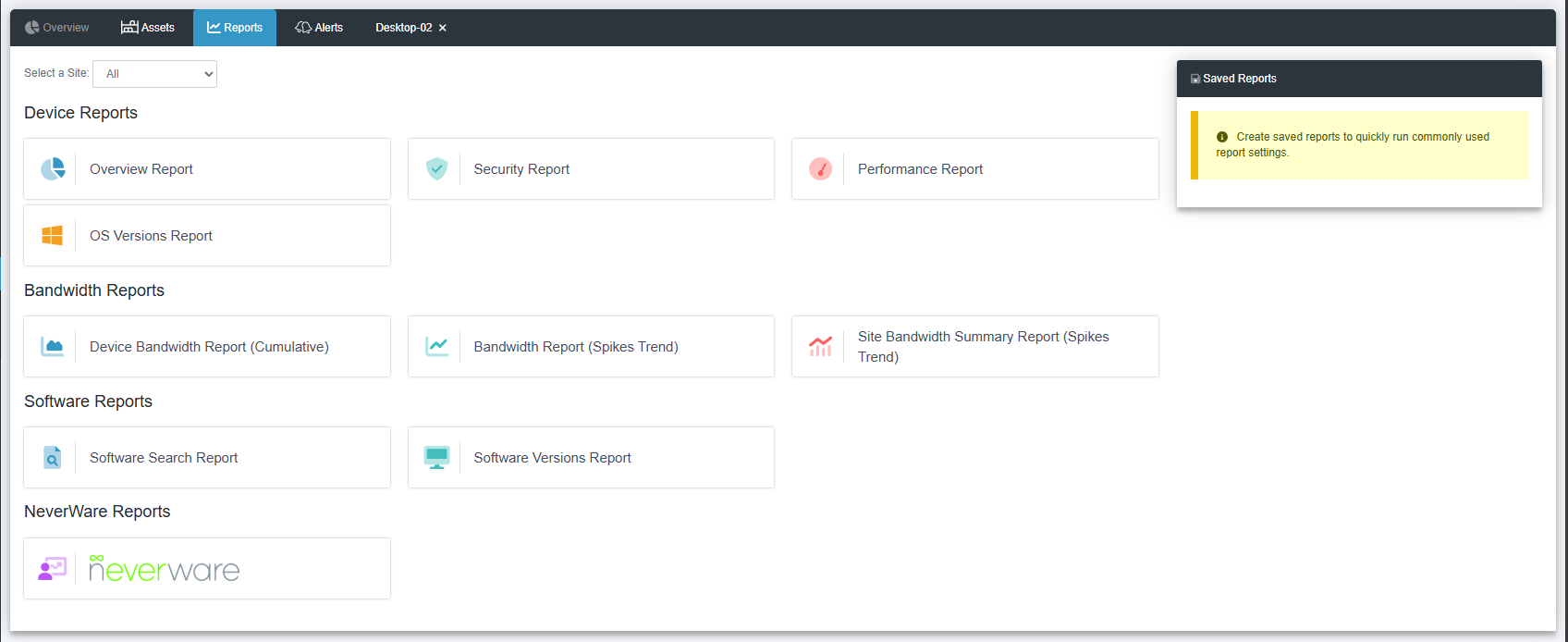
- The reports tab at the top of the window will show you three different reports. Clicking on these will bring up reports for the selected site.
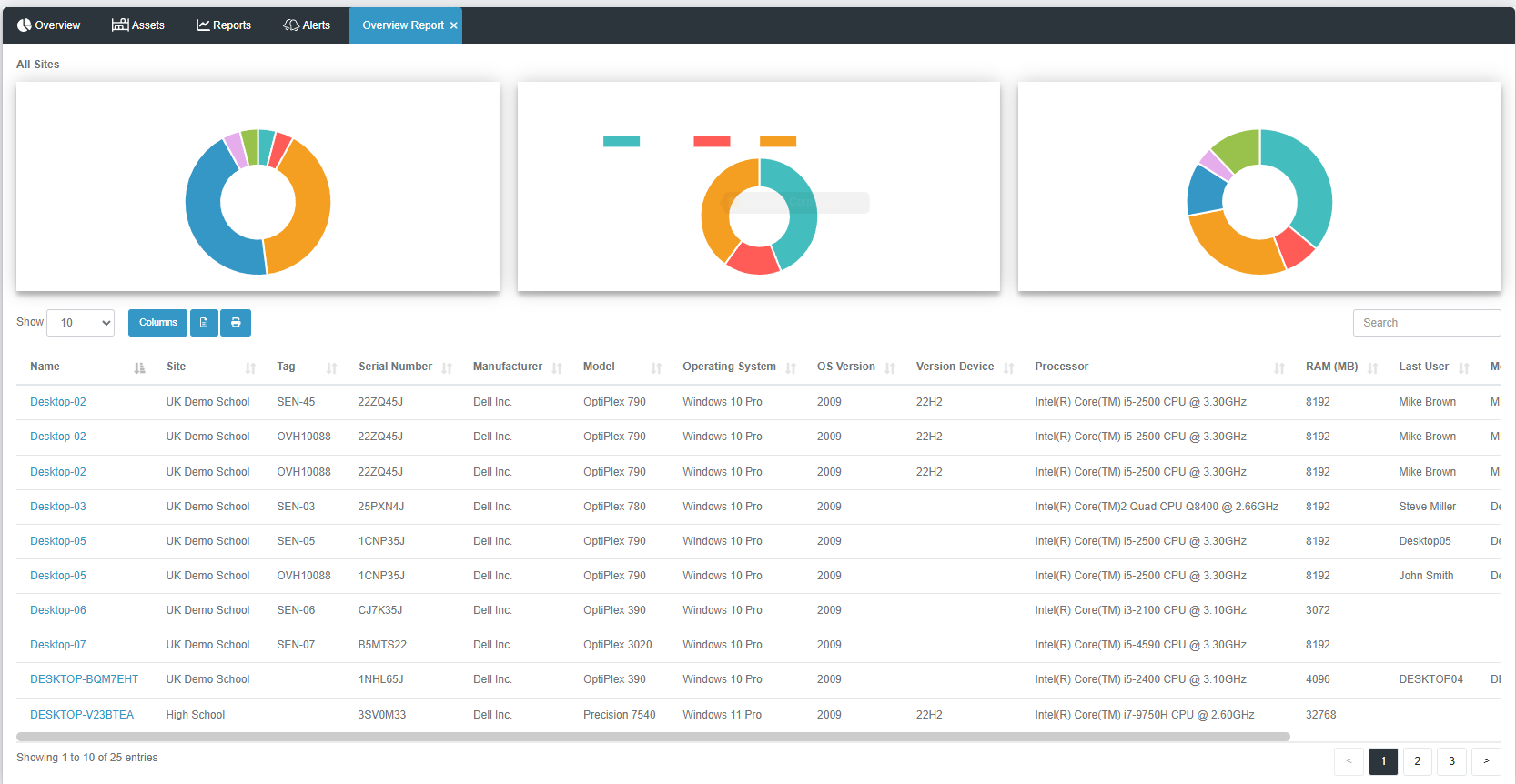
- Overview Report
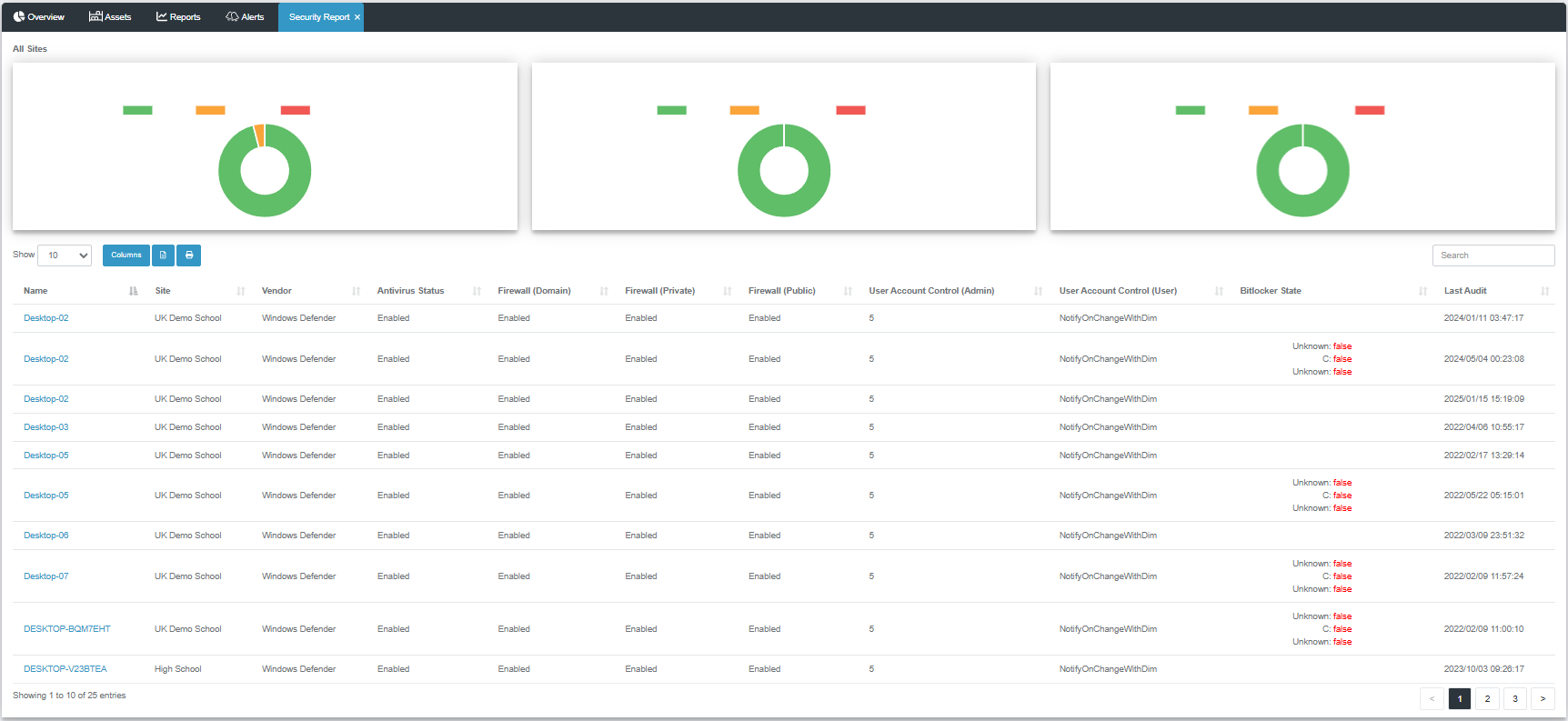
- Security Report
- Performance Report